Skip to content
pi-dashboard is open source

Your pi agents, in the browser.

A real-time, visual, mobile-friendly dashboard for pi — the open-source coding-agent CLI. See every session at a glance, steer from your phone, review diffs from the couch.

pi-dashboard.dev
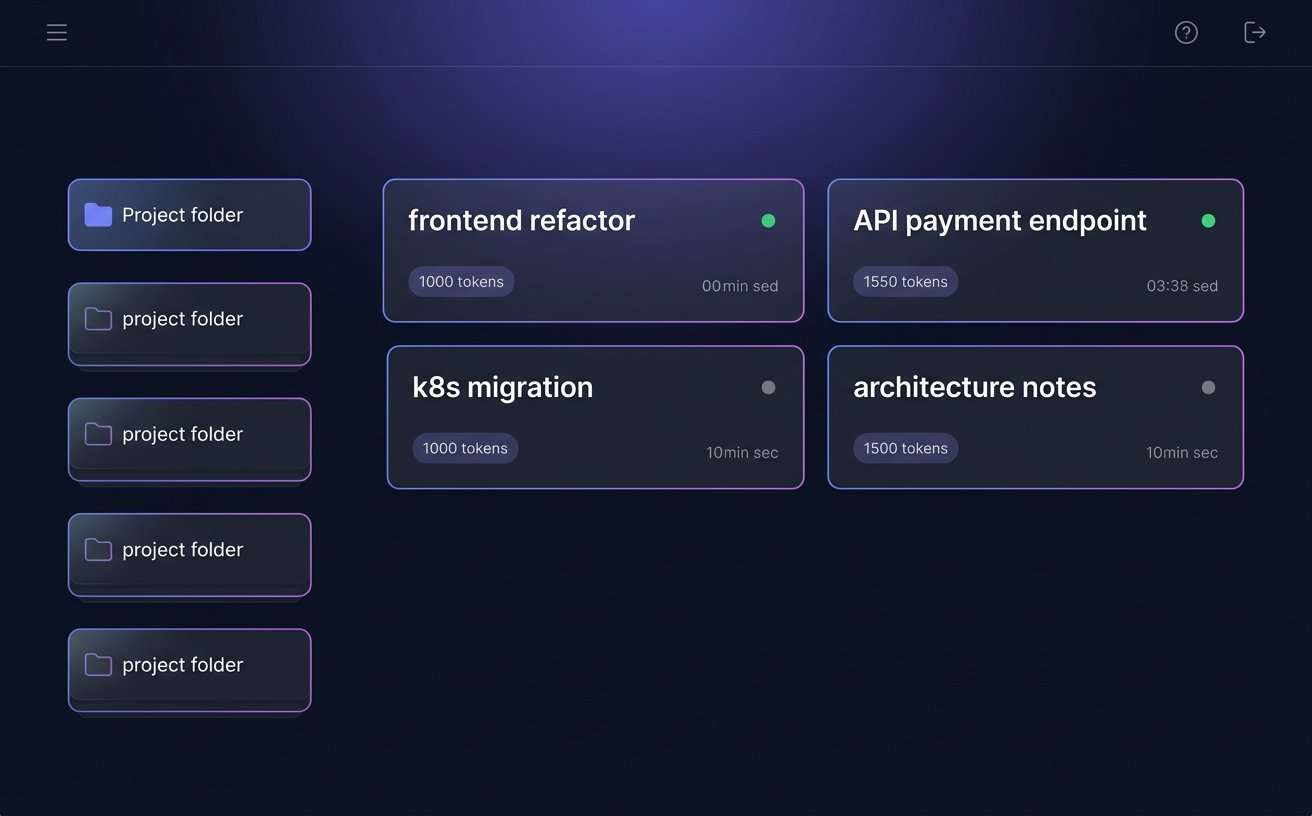
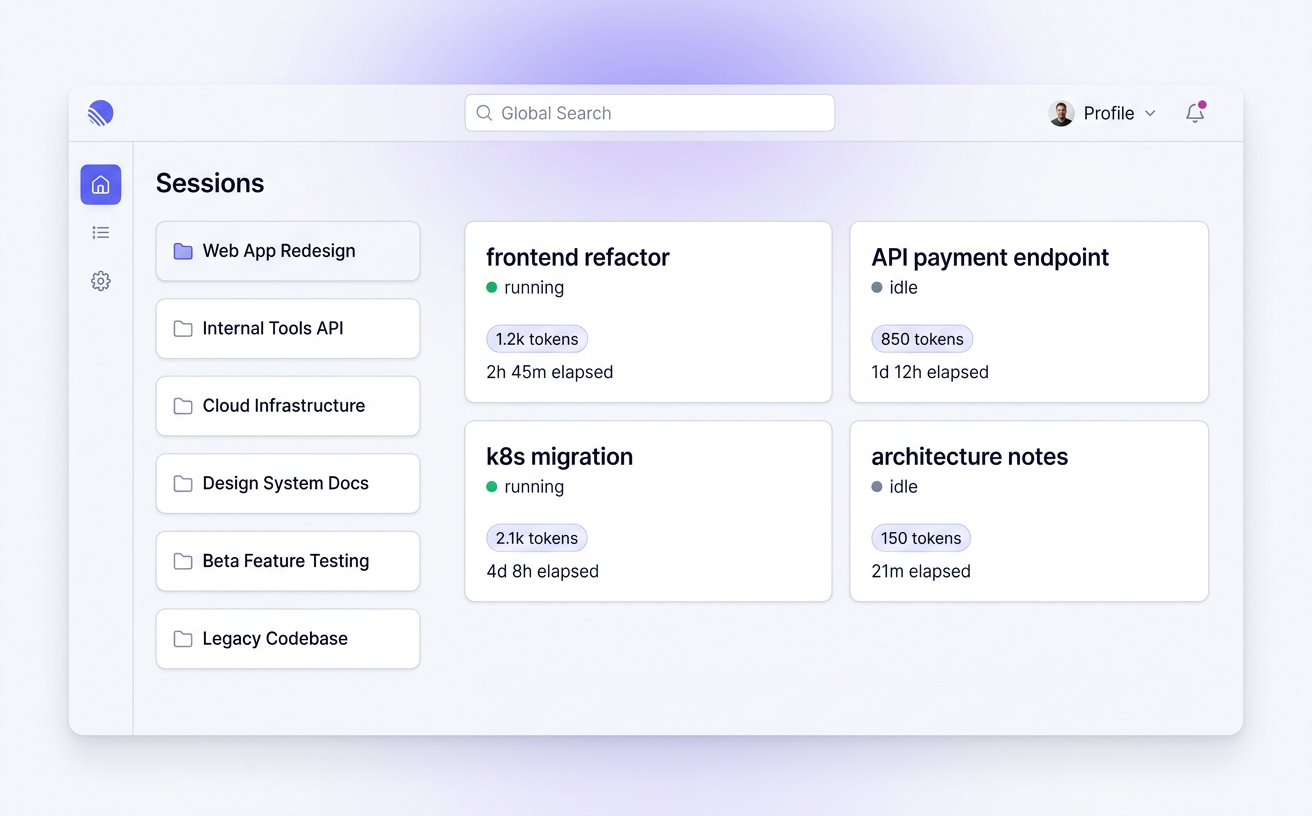
Sessions overview
Sessions overview
First, what's pi?

pi is an open-source coding agent CLI — a tiny terminal program that turns any LLM (Claude, GPT, Gemini, open models…) into an agent that can read your code, edit files, run commands, and talk to you as you work.

You run it in a project folder, it picks up your files, and you collaborate with it like a very fast pair-programmer. It's model-agnostic, extensible through skills and packages, and ships with an interactive TUI. Each conversation with the agent is called a session.

pi-dashboard — the thing on this page — does not replace pi. It sits alongside it: a bridge extension inside every session forwards events to a local server, which streams them to any browser. Your TUI keeps working; the dashboard just adds eyes, hands, and reach.

The big idea

pi runs in your terminal. The dashboard puts it everywhere else.

A tiny bridge extension forwards every event from each pi session to a local server, which in turn streams them to any browser — desktop, tablet, phone, or the big TV in the living room.

The TUI still works. The dashboard adds to it; it doesn't replace it.

Pi-dashboard architecture Three components connected by WebSockets: the bridge extension inside each pi session, the dashboard server that aggregates events, and the browser client. Bridge inside every pi session Server in-memory + JSON Browser desktop · mobile · TV WS WS
Why a dashboard?

The terminal is great. It's also not enough.

The dashboard doesn't replace pi's TUI — they run side-by-side on the same session. But there are two big things a browser can do that a terminal simply cannot.

Not everyone thinks in monospace.

In a terminal, every message has the same weight. In a dashboard, importance has a size. Active sessions are big. Idle ones are small. Running flows glow. Errors shout.

You can see many sessions at once — not just the one your cursor is in. Information density goes up. Cognitive load goes down.

> pi
──────────
assistant: …
user: …
assistant: …
user: …
assistant: …
>
one story at a time
many stories, at a glance
Your agents don't have to live on your laptop.

Run pi on a server, a cloud VM, or a beefy home workstation. Approve prompts from your phone on the train. Kill a runaway process from bed. Review a diff from the couch.

The dashboard turns any pi session into a URL you can hand to any device — no SSH, no tmux, no laptop required.

Features

Everything your agents do, now visible.

A dozen carefully-designed surfaces on top of pi's event stream — each one built to answer a specific question you'd otherwise have to dig through the terminal to find.

Every session, at a glance

Realtime

See all your pi sessions side-by-side — active, idle, ended — grouped by project folder. The noisy ones get bigger; the quiet ones stay out of the way.

Multi-session dashboard showing several active pi sessions grouped by folder

Live chat mirroring

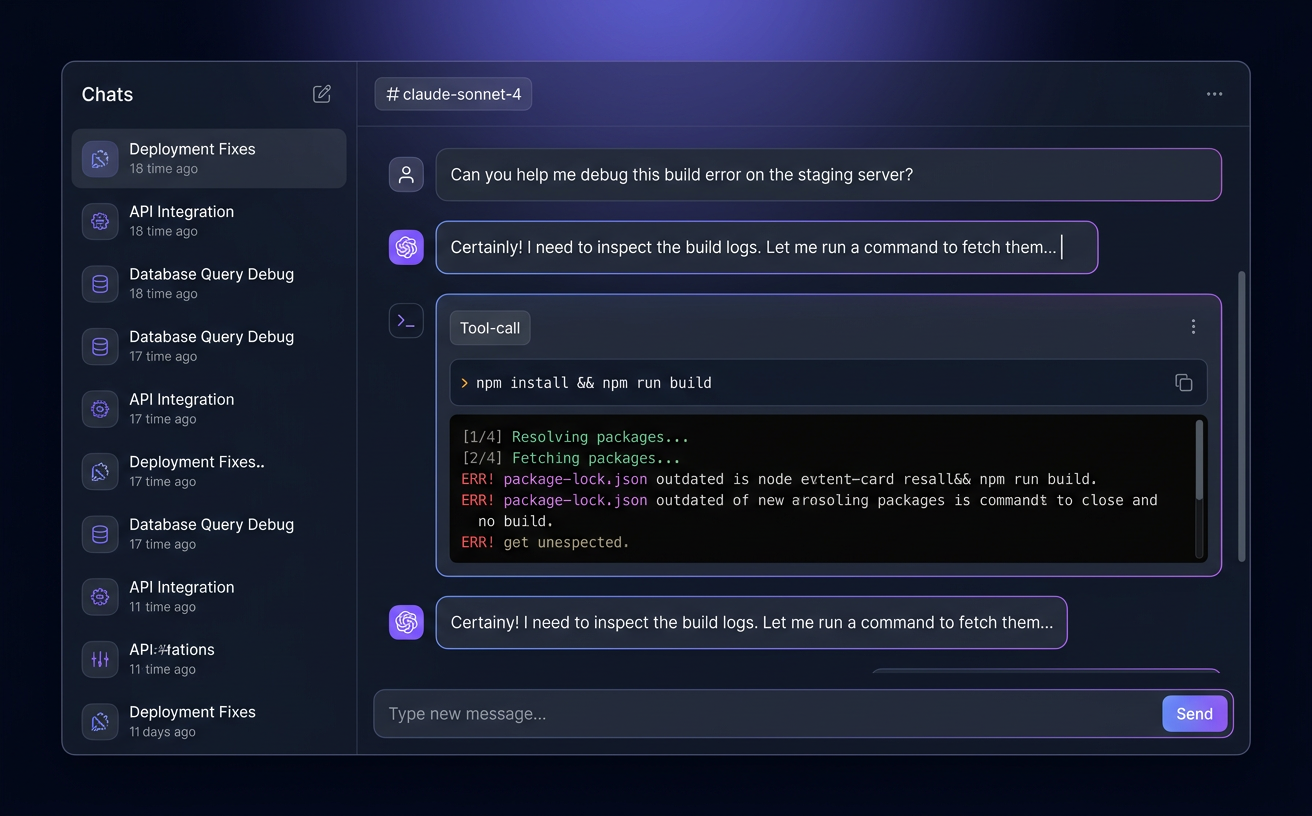
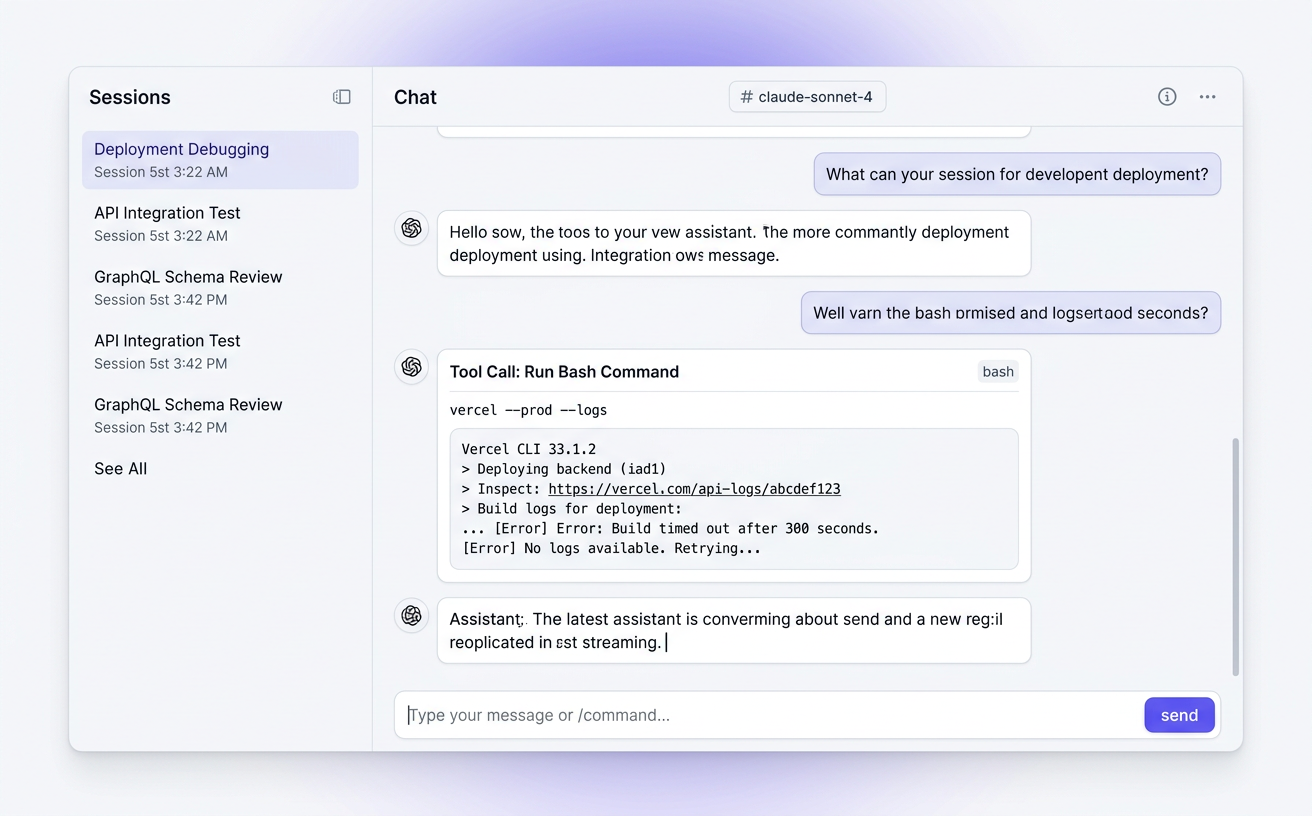
Every prompt, response, tool call, and streaming token — mirrored to the browser with zero lag. Scroll, fork, resume.

Dashboard chat view with a streaming assistant response

Interactive dialogs, anywhere

New

PromptBus routes confirm / select / input dialogs to whichever surface answers first — TUI or browser. Survives refresh and server restart.

A terminal that just… works

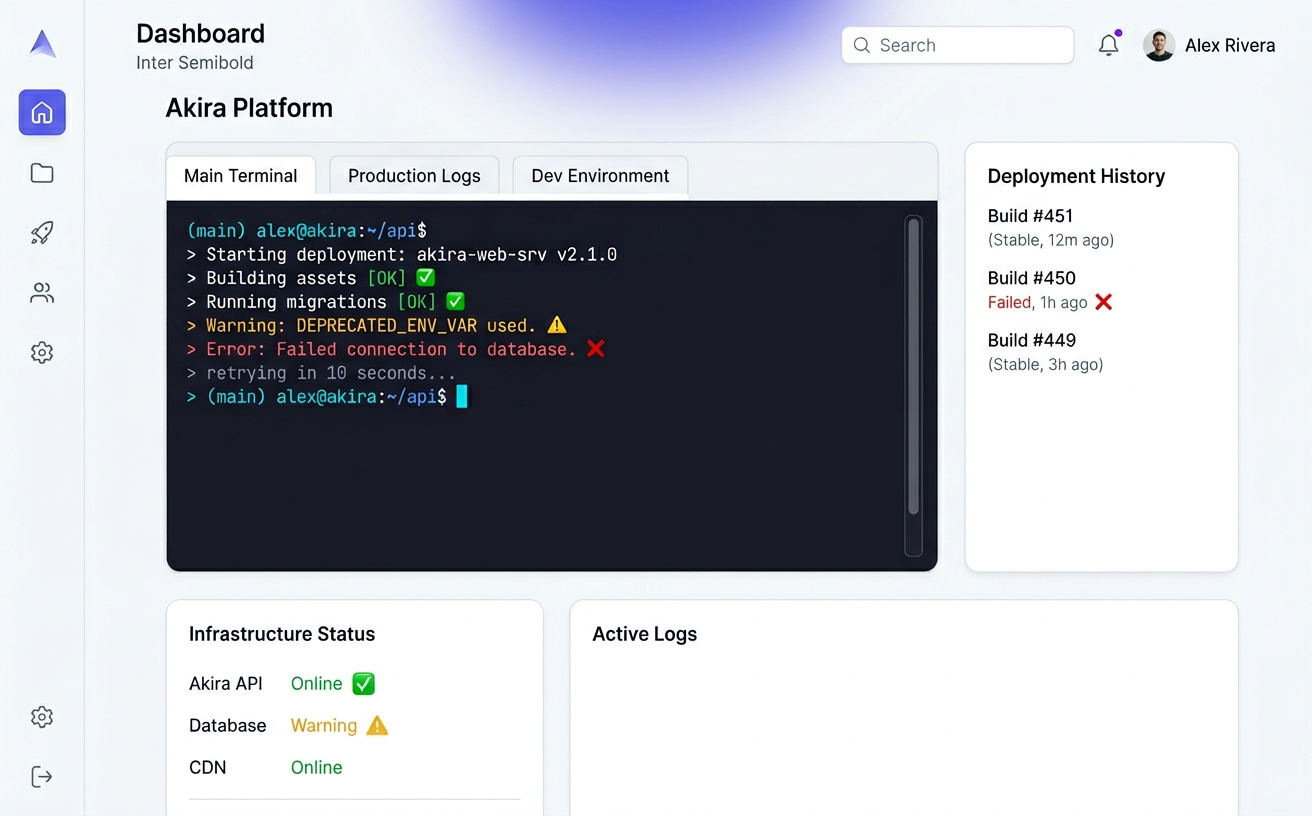
Full xterm.js + node-pty terminal baked into each folder. ANSI colors, scrollback, keep-alive across tab switches.

Integrated browser-based terminal with colorful output

Flows in motion

Realtime

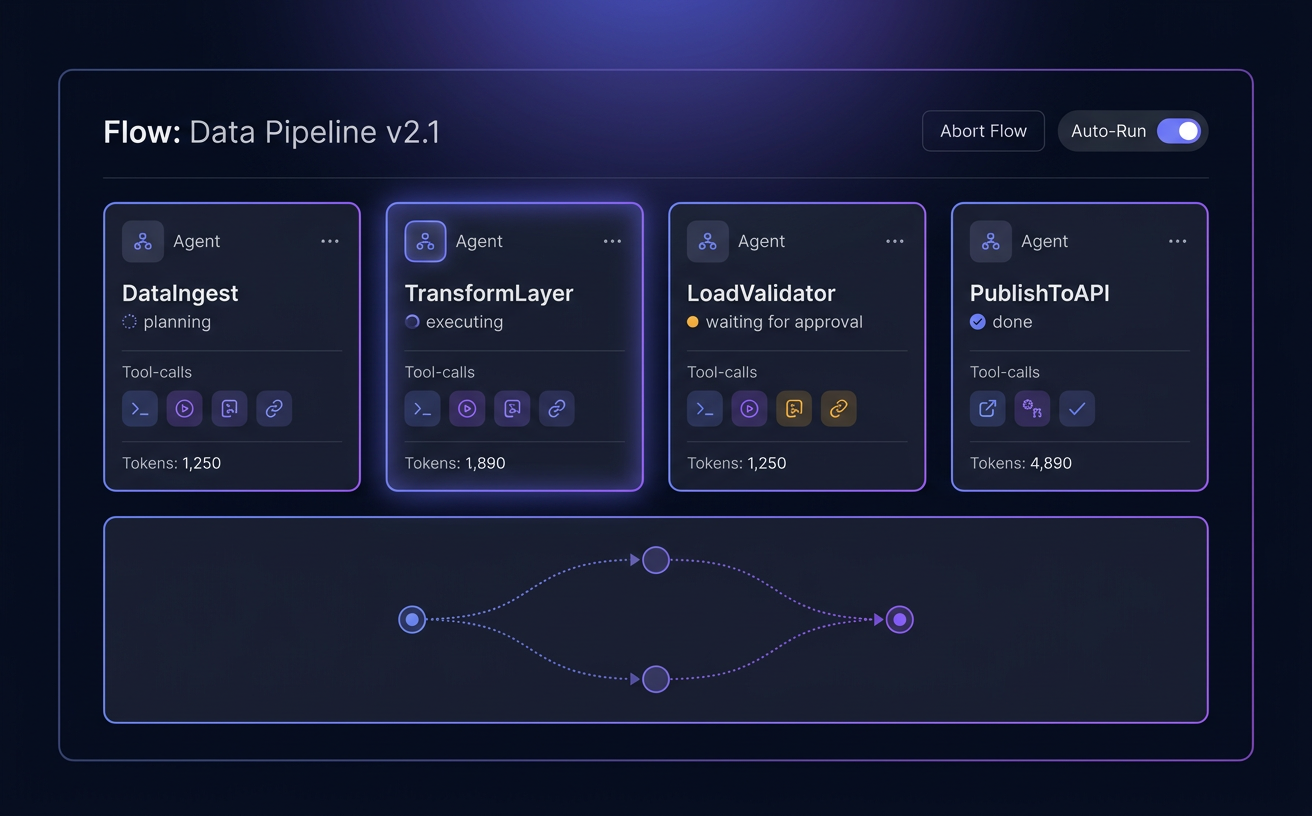
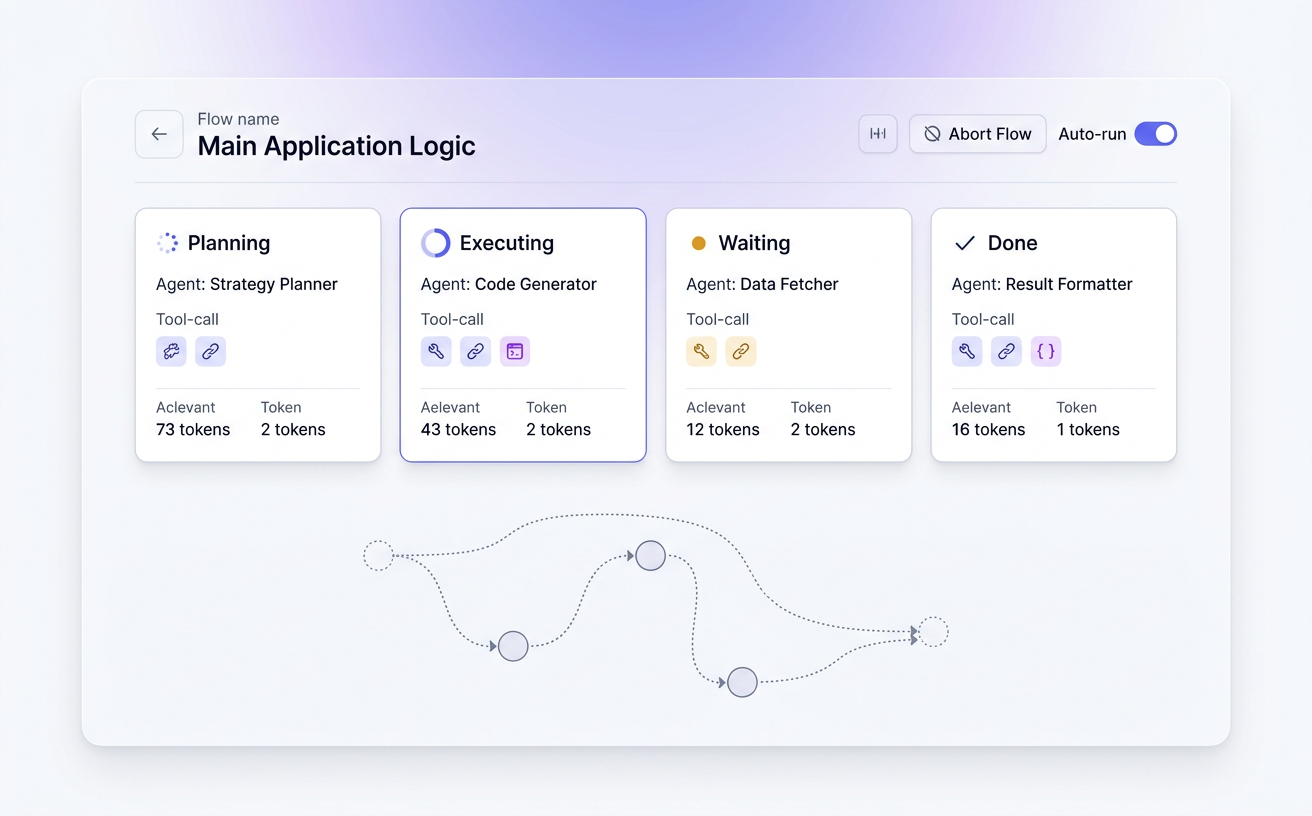
Watch pi-flows execute step by step — agent cards light up, tokens stream, graphs redraw. Abort, auto-run, fork decisions, design new flows, all from the browser.

pi-flows live execution dashboard with agent cards and a flow graph

VS Code in the browser

New

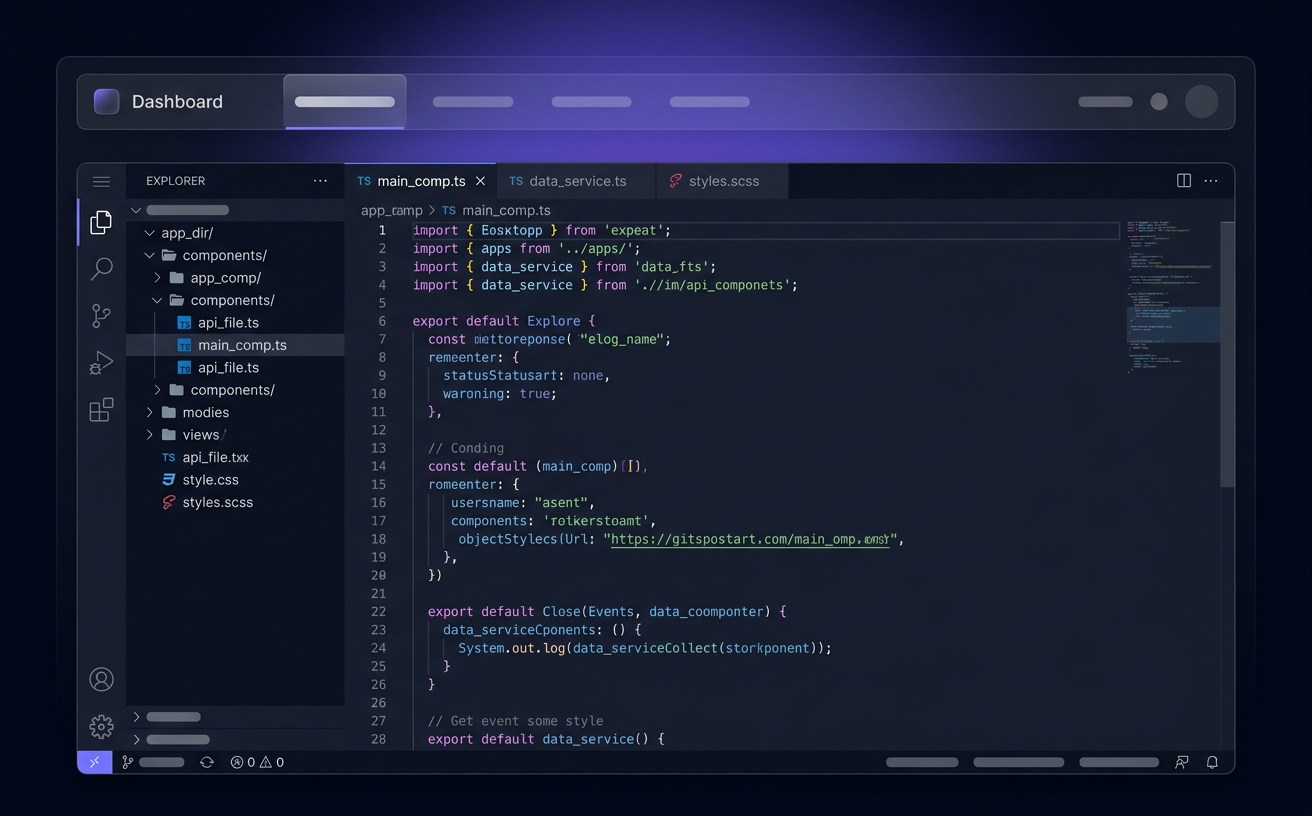
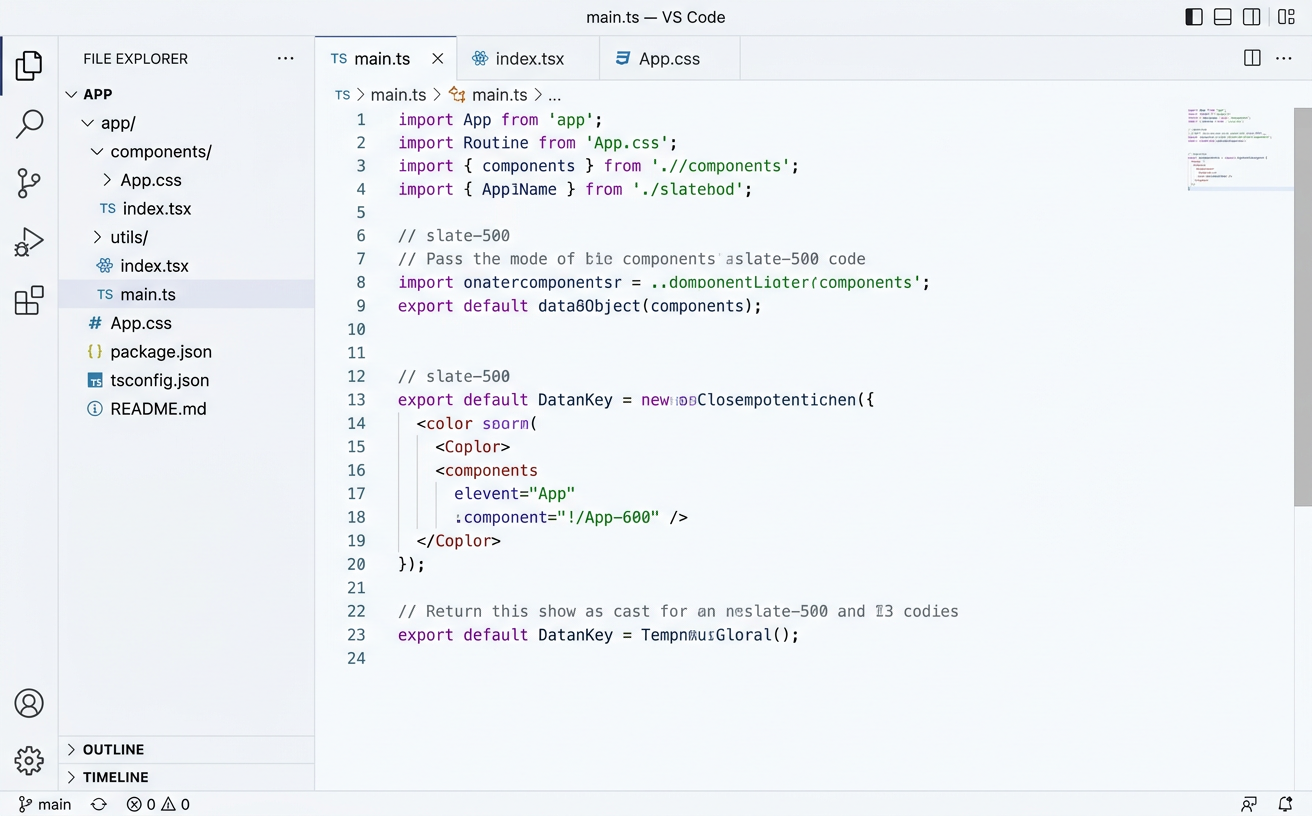
An embedded code-server per workspace — explorer, tabs, extensions, git. Lazy-started, proxied through the dashboard. No separate window to babysit.

Embedded VS Code / code-server editor inside the dashboard

Review every change

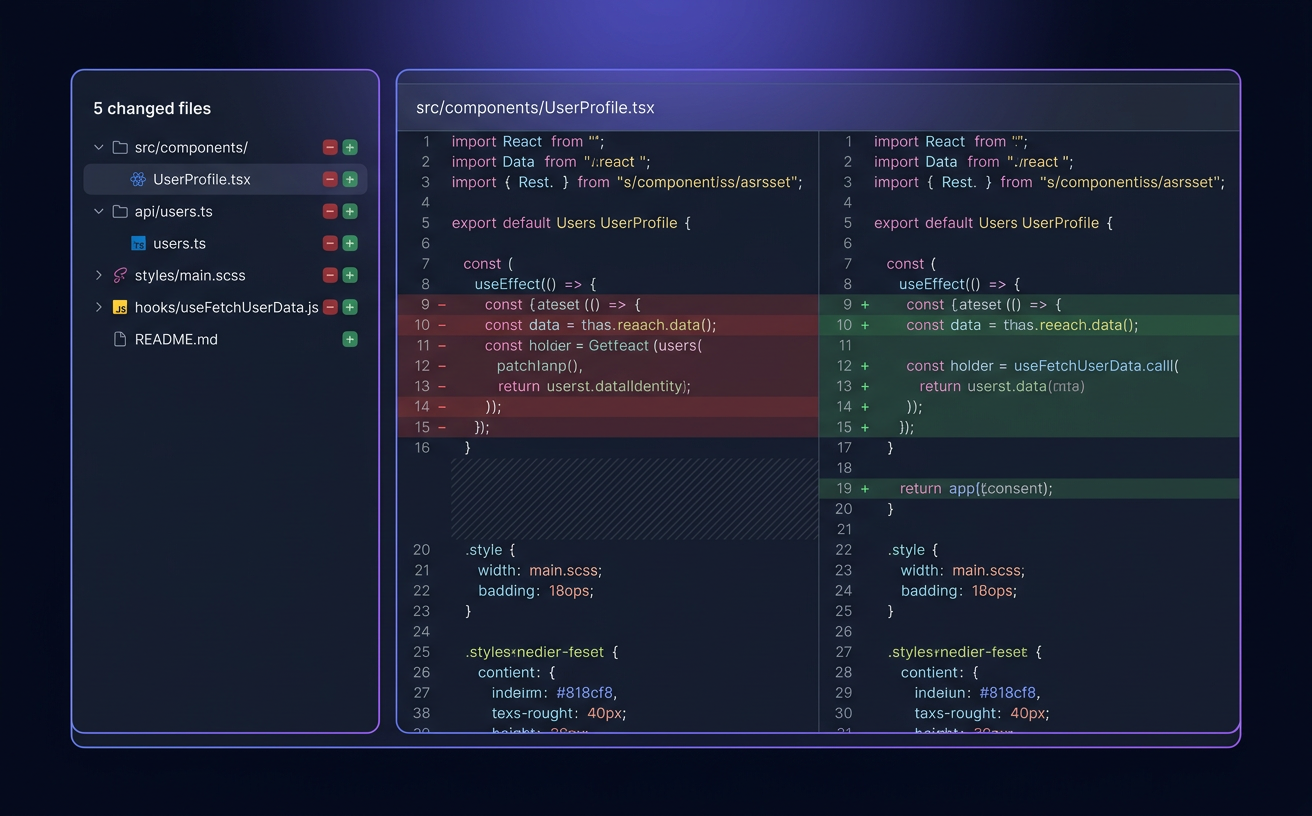
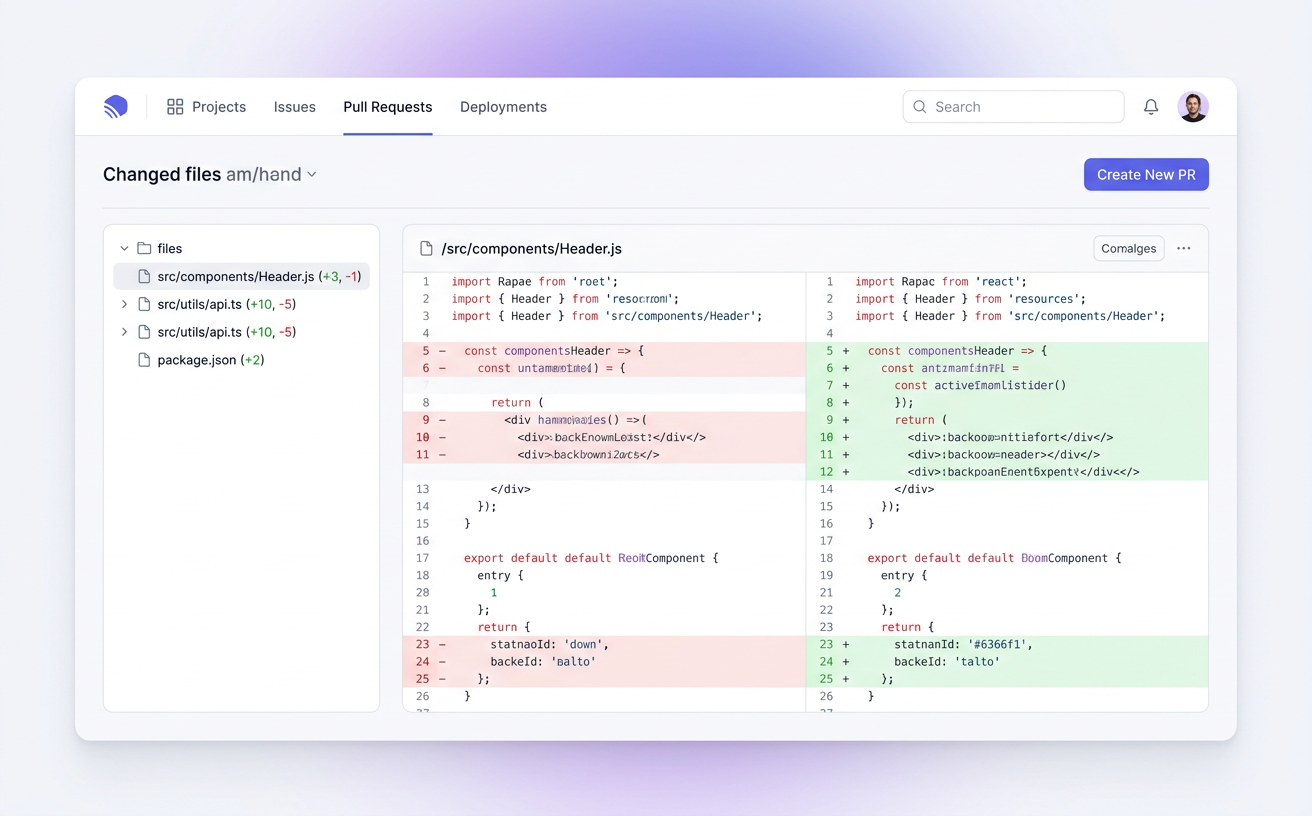
Split-pane or unified diff viewer with a file tree of everything the agent touched in this session. Syntax highlighted, copy-friendly.

Diff viewer showing file tree and side-by-side diff

Built for the phone in your pocket

Mobile

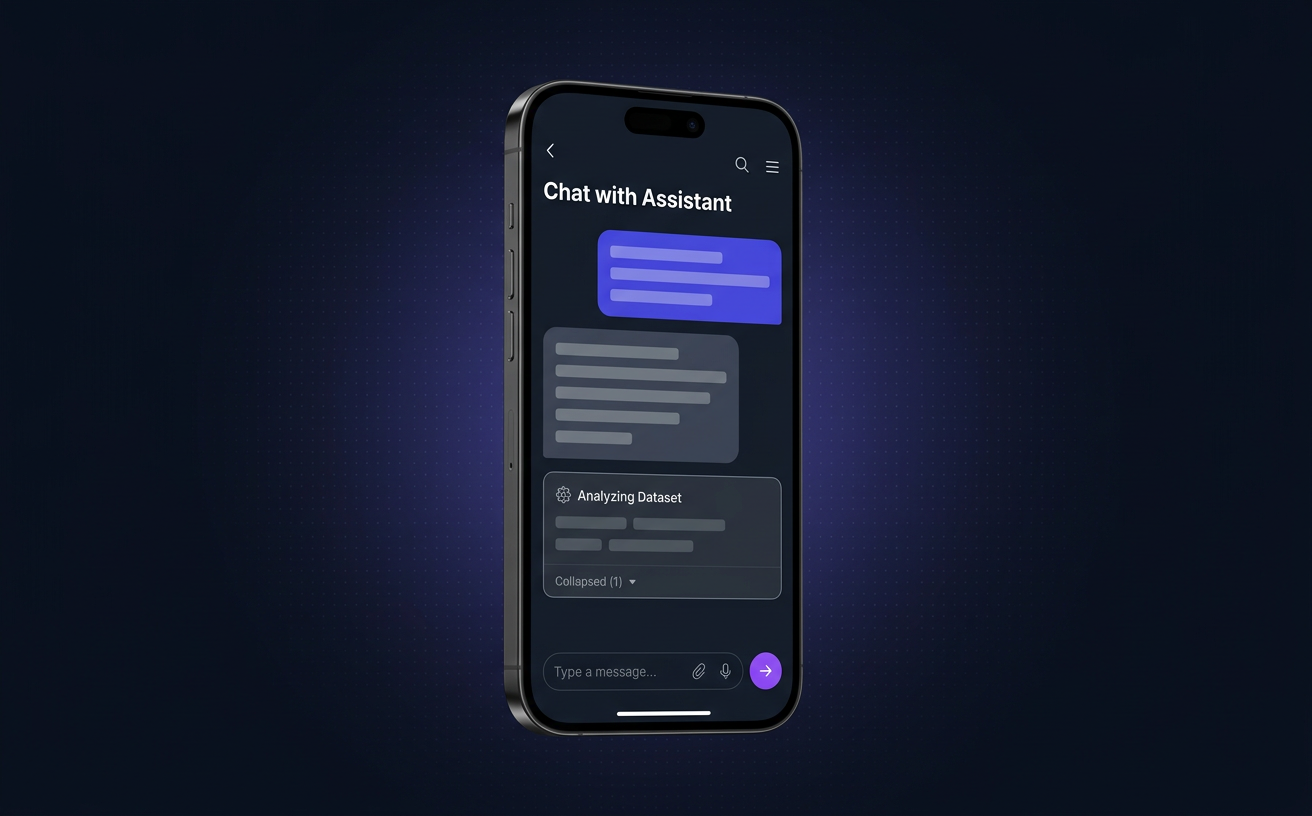
Two-panel shell, swipe-back, touch-tuned action menus. Approve a prompt or kill a runaway process from anywhere.

Mobile chat view with action menu button

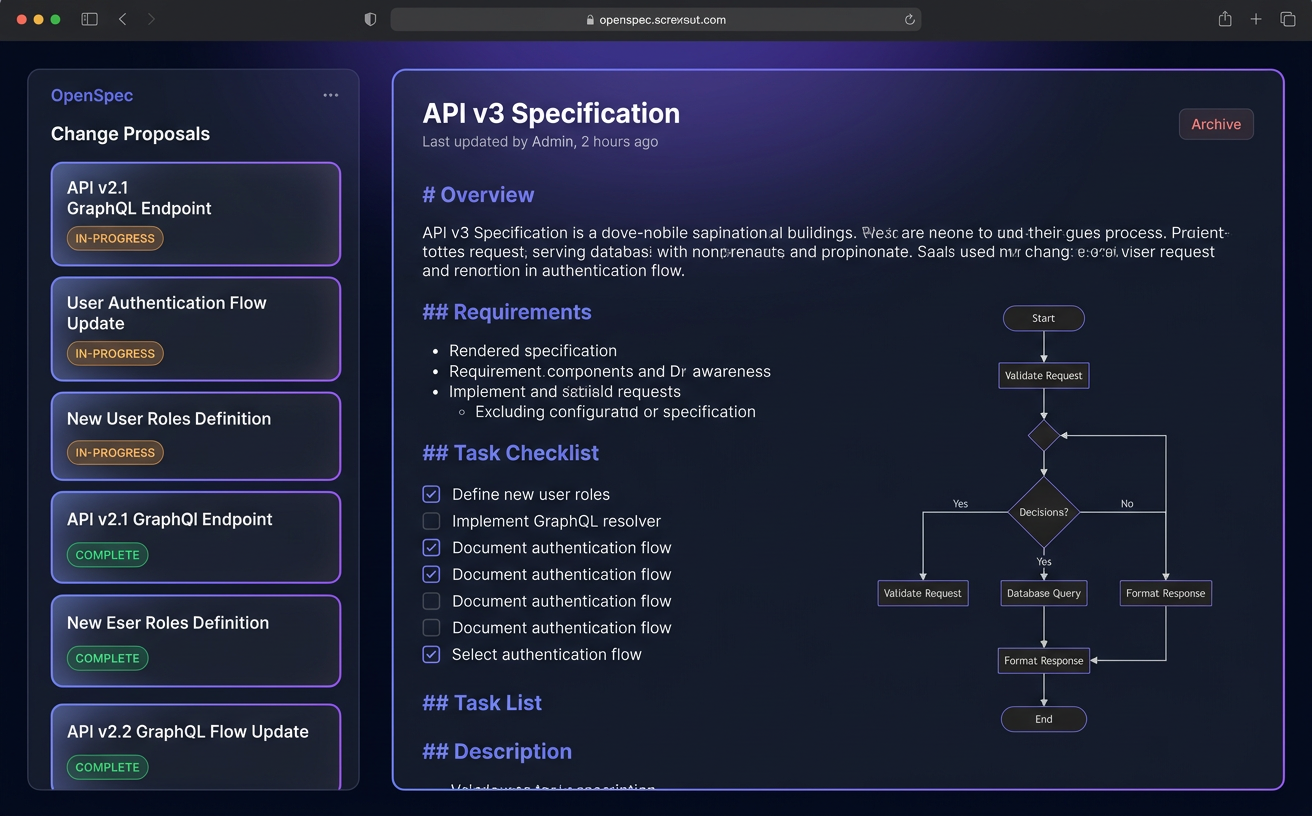
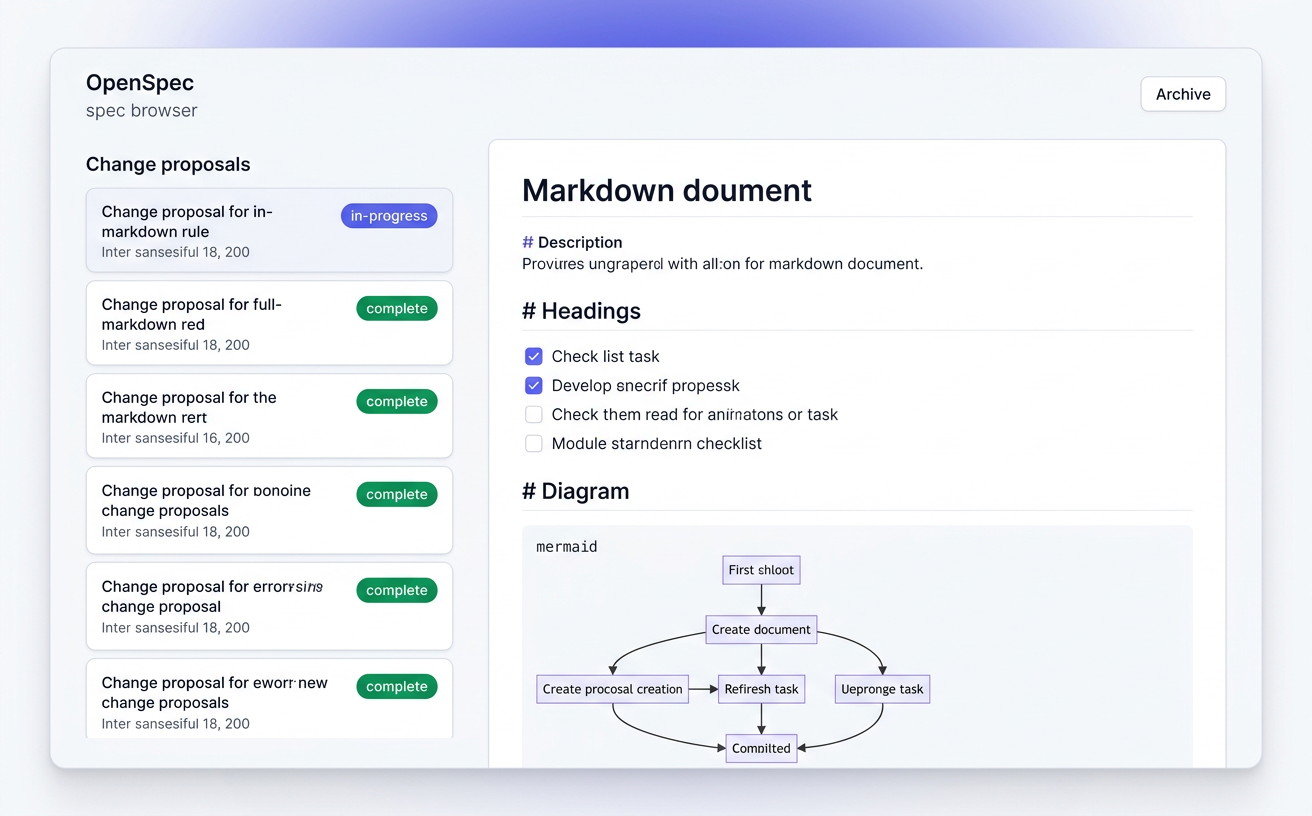
OpenSpec baked in

Browse specs, view archives, manage changes, attach a proposal to a session — all from the sidebar.

OpenSpec change list and archive browser

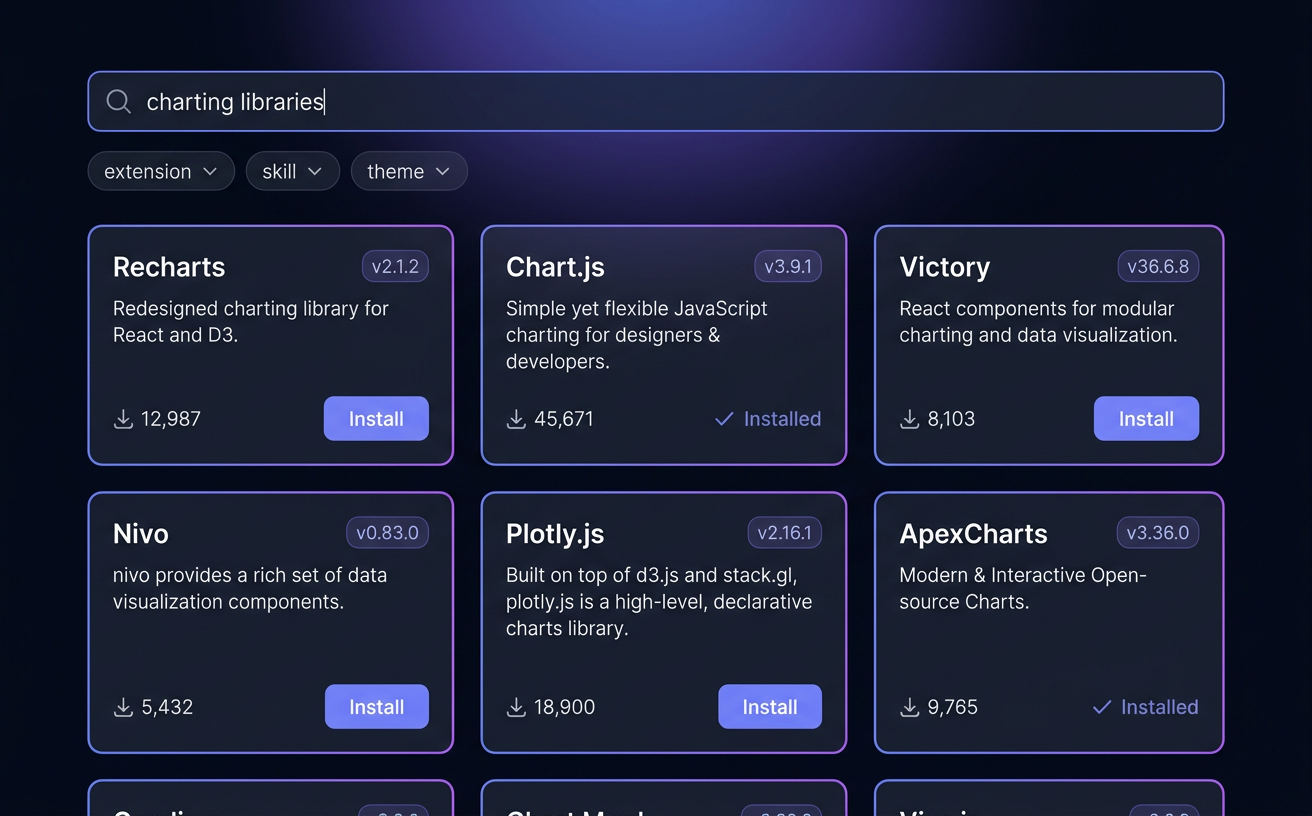
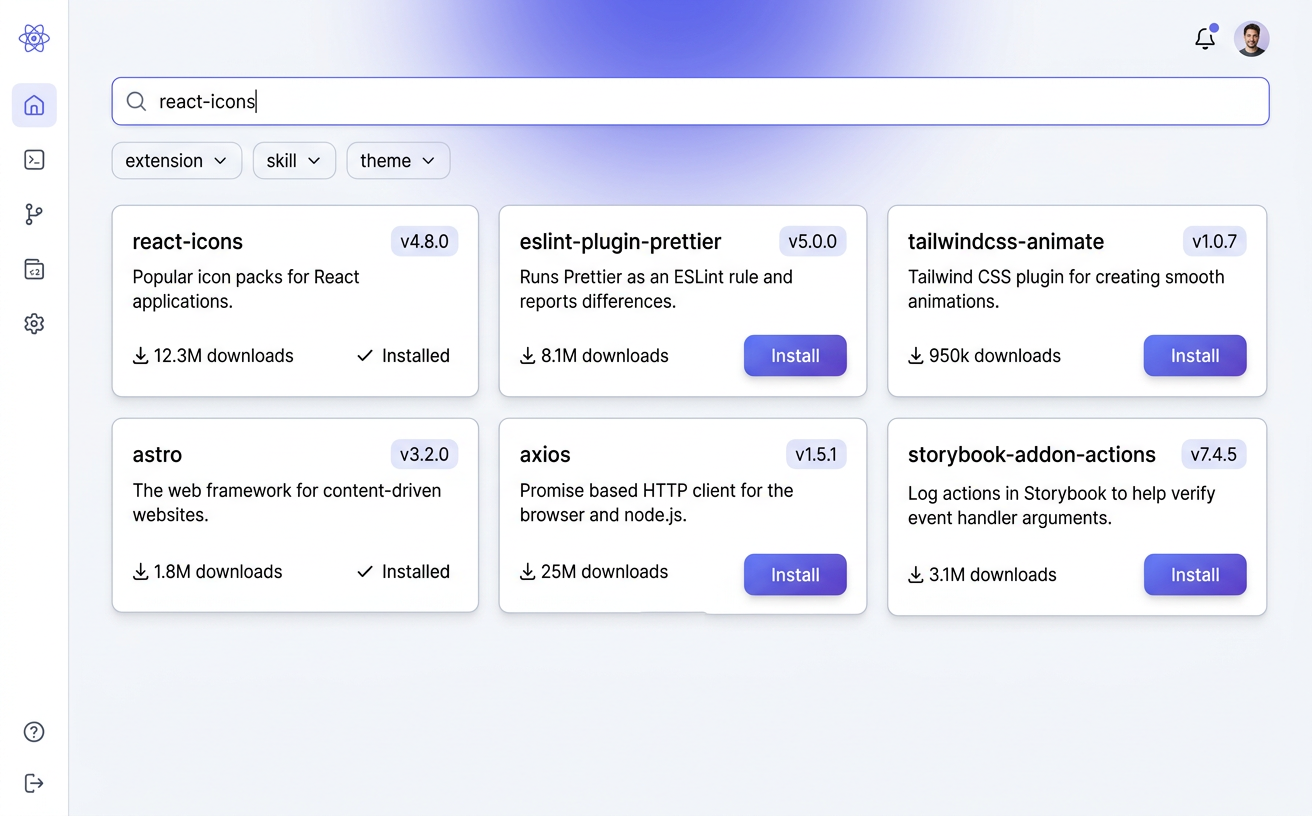
Package manager for pi

Search the npm registry for pi extensions, skills, and themes. Install per-workspace or globally. Sessions auto-reload.

Package manager with search results and install buttons

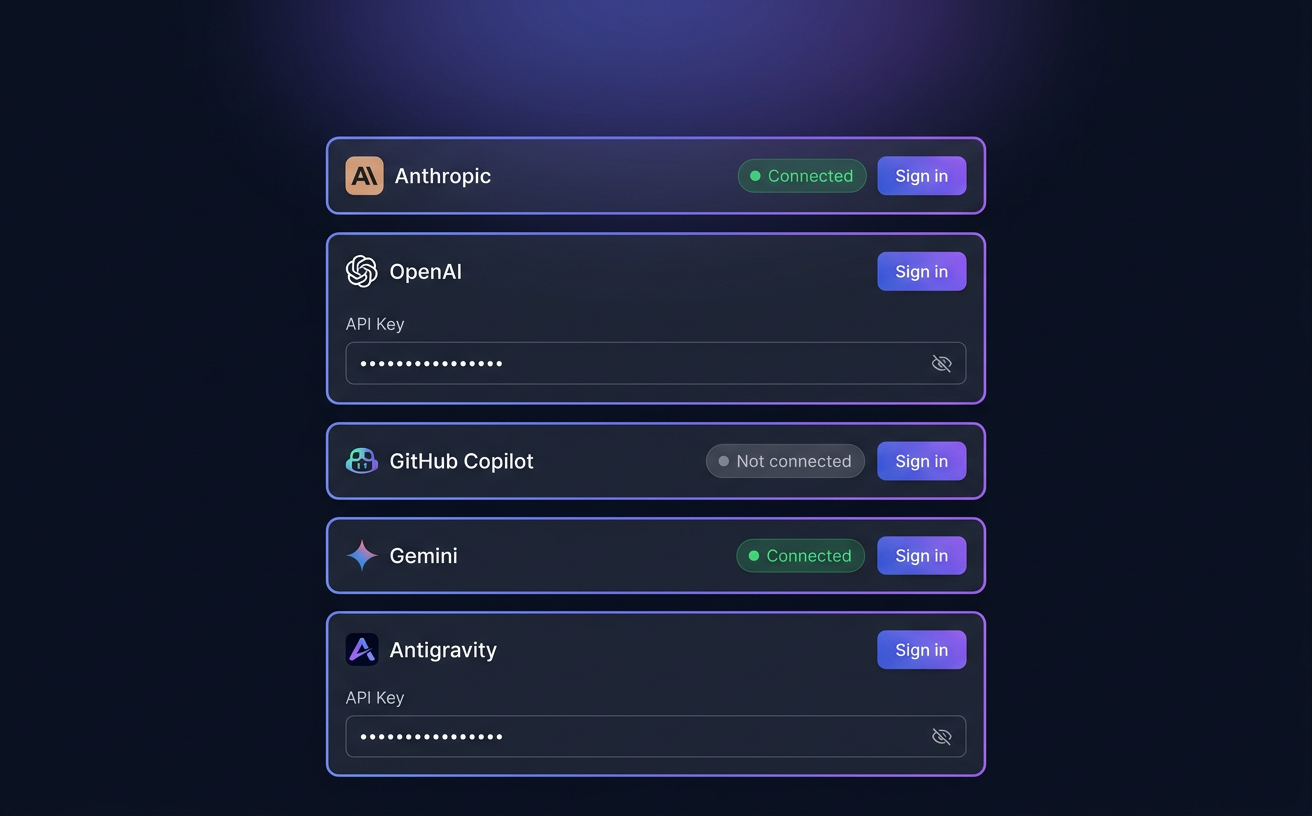
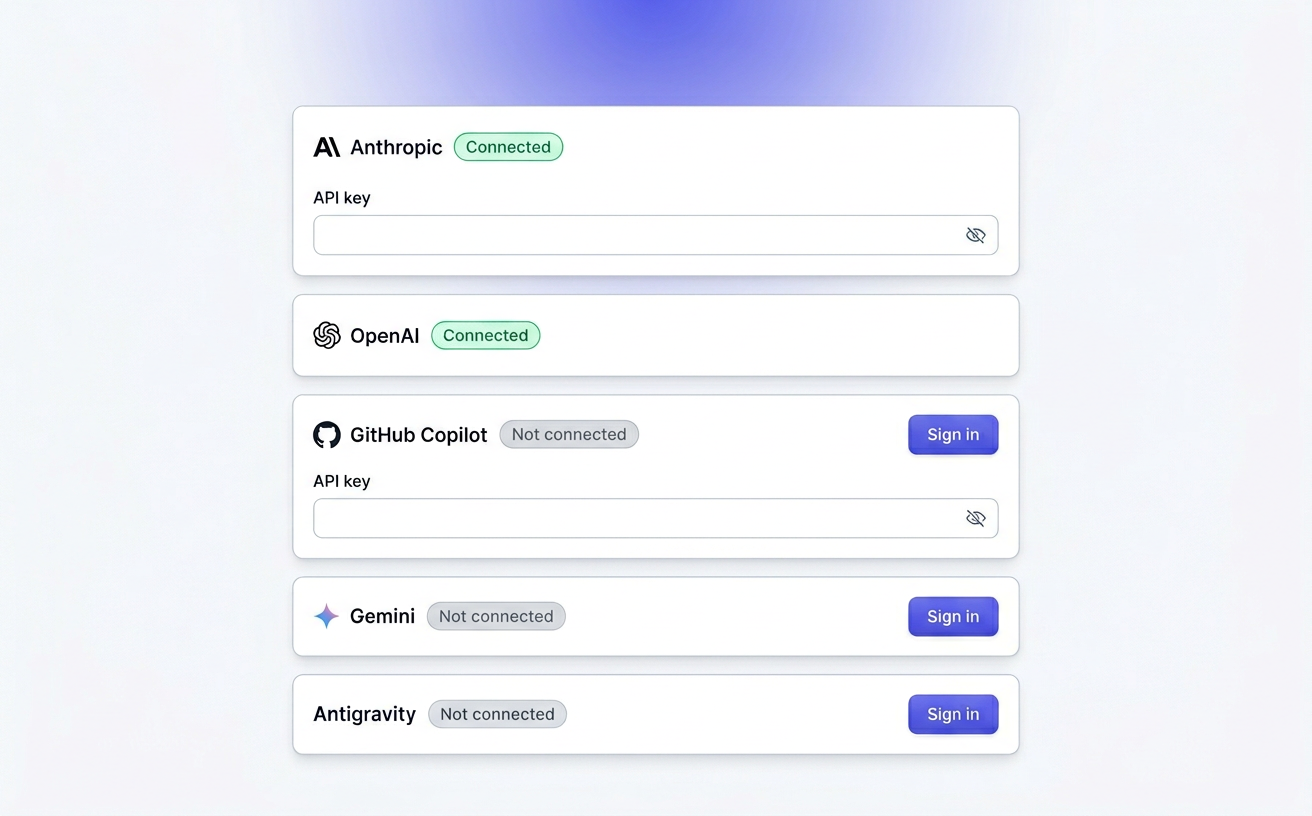
One-click provider auth

Sign in to Anthropic, OpenAI Codex, GitHub Copilot, Gemini CLI, and Antigravity through a real OAuth flow. Or drop in an API key.

Provider authentication panel in settings

Network discovery

mDNS auto-finds every dashboard on your LAN. Pick a server, connect, done. Known servers persist across reloads.

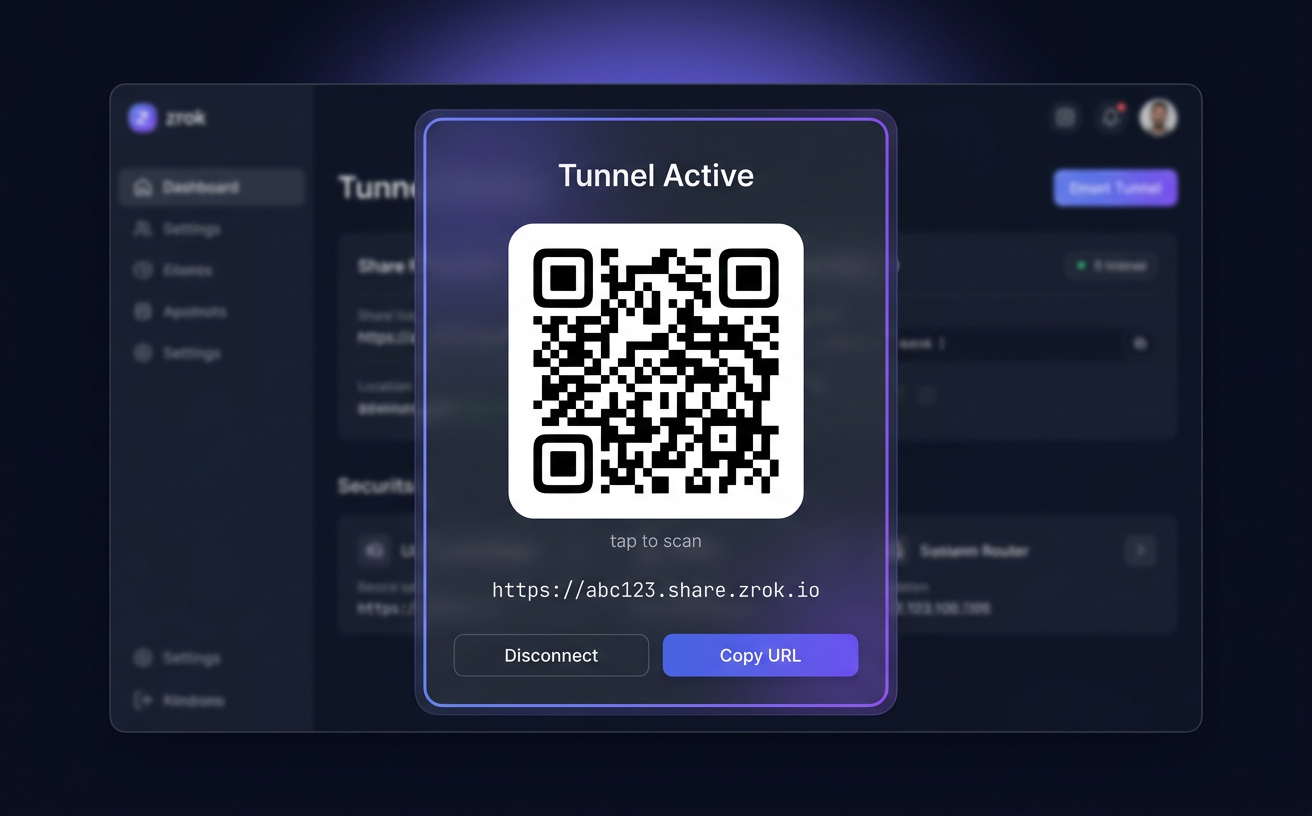
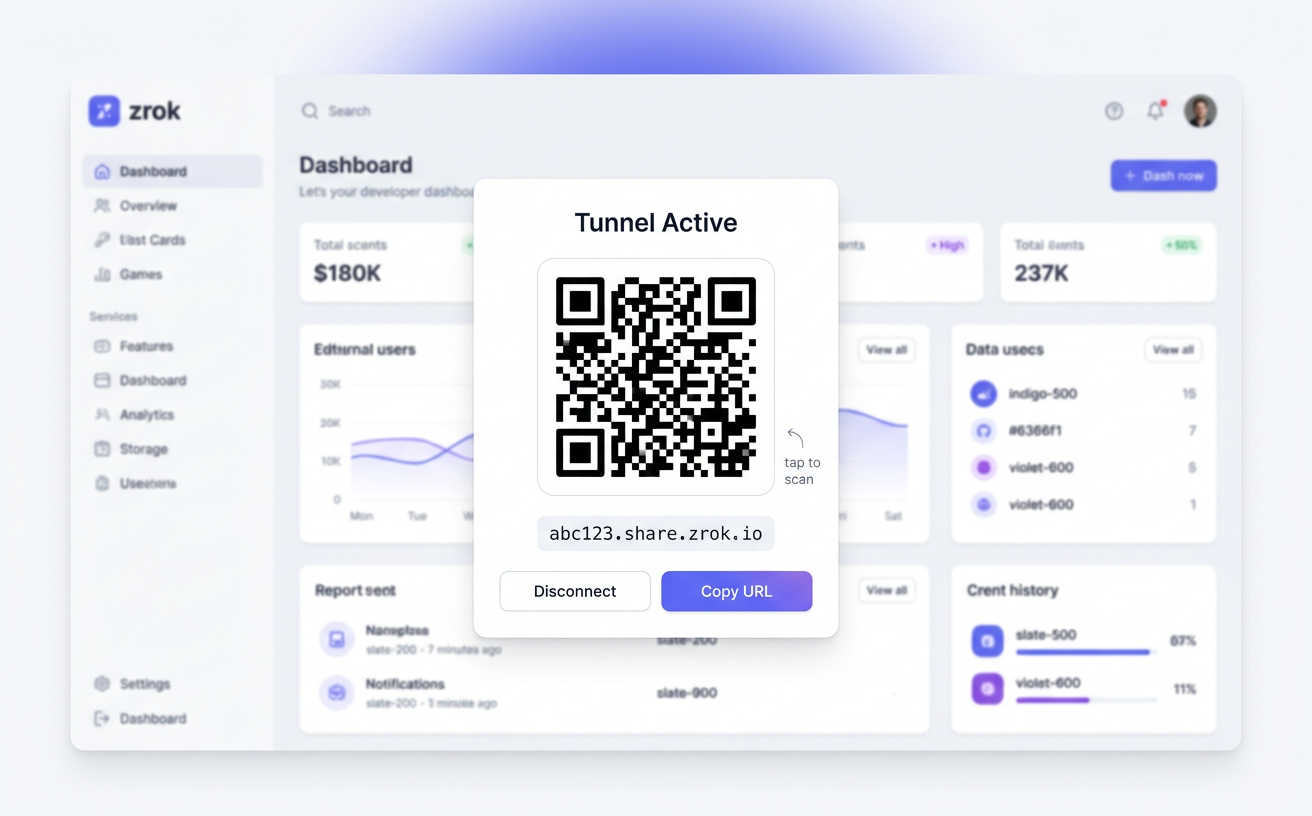
Go remote with a QR code

Remote

One click opens a zrok tunnel with a reserved URL. Scan the QR and your pi agents are on your phone, in a coffee shop, on another continent.

Tunnel QR code dialog with scannable code
Under the hood

Three components. Two WebSockets.

pi-dashboard is an event-sourced system. Every action in a session becomes an event; events flow from the bridge to the server in-memory store, and from the server to any number of browsers. Replays, reconnects, and mobile drops all Just Work.

Pi-dashboard architecture Three components connected by WebSockets: the bridge extension inside each pi session, the dashboard server that aggregates events, and the browser client. Bridge inside every pi session Server in-memory + JSON Browser desktop · mobile · TV WS WS
Bridge
Inside every pi session

A pi extension that forwards events, relays commands, auto-starts the server, and hosts the PromptBus.

Server
Node.js, local-first

Aggregates events in-memory, persists metadata to JSON, hosts the static client, manages terminals and tunnels.

Client
React + Tailwind

A real-time UI that reconstructs session state from the event stream — fast on desktop, touch-first on mobile.

Download

Get the desktop app. No terminal required.

Pre-built installers for macOS, Linux, and Windows. Bundles Node.js and auto-installs pi + OpenSpec — you don't need any prerequisites.

Get started

Three ways in. All easy.

Pick whichever fits your workflow. You can always switch later.

Zero prerequisites. Guided setup wizard.
# Download an installer:
# https://github.com/BlackBeltTechnology/pi-agent-dashboard/releases
#
# macOS    — .dmg (arm64 / x64)
# Linux    — .deb / .AppImage
# Windows  — .exe / .zip / portable

Bundles Node.js, auto-installs pi + openspec. System tray integration.